How to Redeem RM100 MyKad (MyKasih Program Guide 2026)
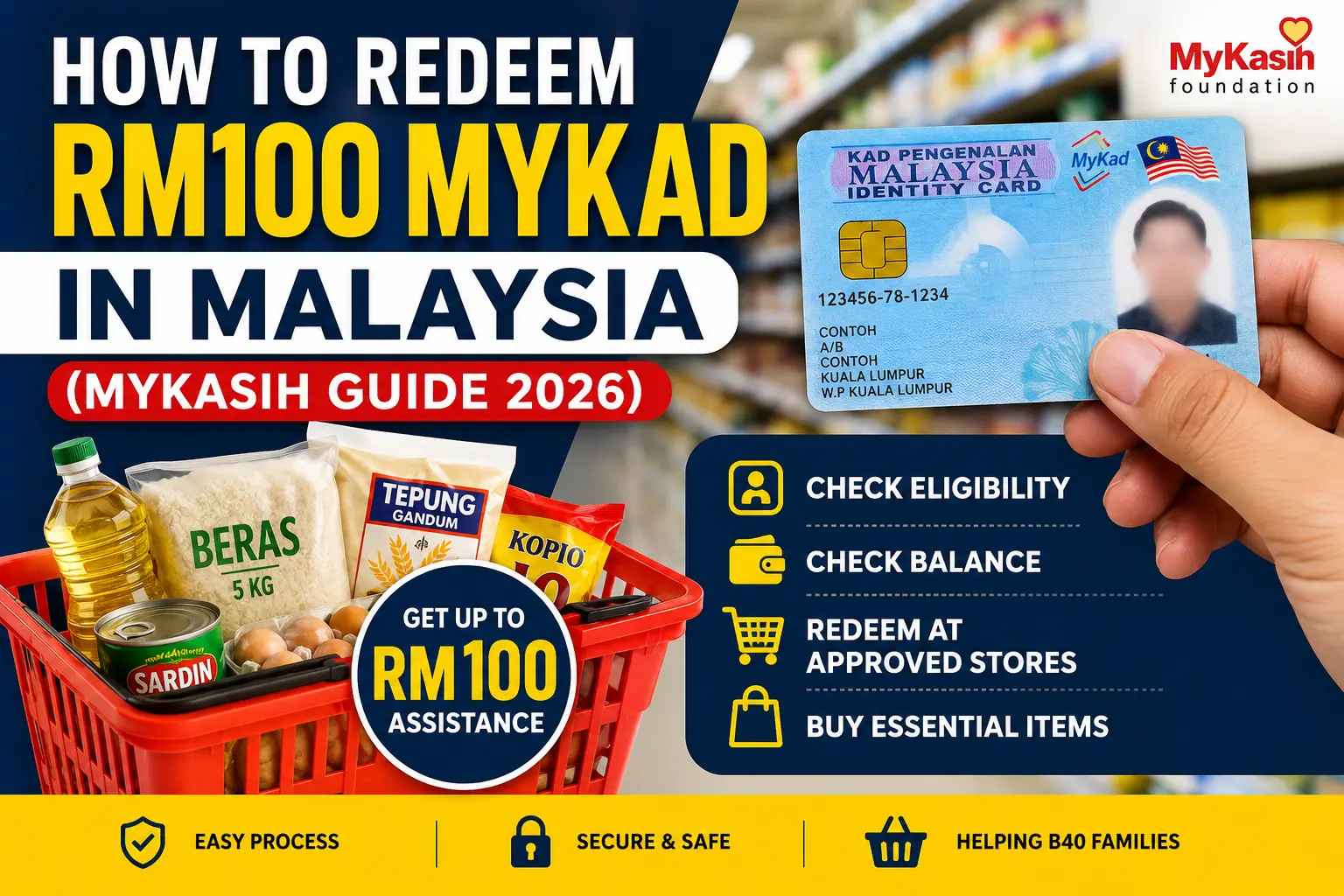
If you are searching for how to redeem RM100 MyKad, it means you may have received financial assistance under the MyKasih program in Malaysia. Many people are confused about how to use this RM100 credit, where it can be used, and what to do if the card is not working.Don’t worry. In this complete guide, you will learn the step-by-step method to redeem RM100 using MyKad, how to check your eligibility, where you can spend the money, and common problems with solutions.This guide explains how to redeem RM100 MyKad in Malaysia using the MyKasih program step-by-step.
Check your RM100 MyKad status and redeem your MyKasih assistance easily in approved stores.
What is RM100 MyKad Assistance?
The RM100 MyKad assistance is a financial support program in Malaysia that helps eligible low-income families. Under this program, the government provides monthly assistance (such as RM100) which is credited into the recipient’s MyKad.
This amount can be used only for buying essential items like groceries and basic needs.
This assistance is usually linked with programs like:
- MyKasih Program
- SARA (Sumbangan Asas Rahmah)
- STR (Sumbangan Tunai Rahmah)
Who Can Redeem RM100 Using MyKad?
Not everyone can redeem RM100 through MyKad. Only eligible recipients who are approved under MyKasih or government assistance programs can use it.
Usually eligible people include:
- Low-income households (B40 group)
- STR recipients
- People registered under MyKasih Foundation support programs
- Approved SARA beneficiaries
💡 Important Note:
If you are not eligible, your MyKad will not show any balance for RM100.
How to Check if You Are Eligible for RM100 MyKad?
Before going to any store, you should confirm if you are eligible.
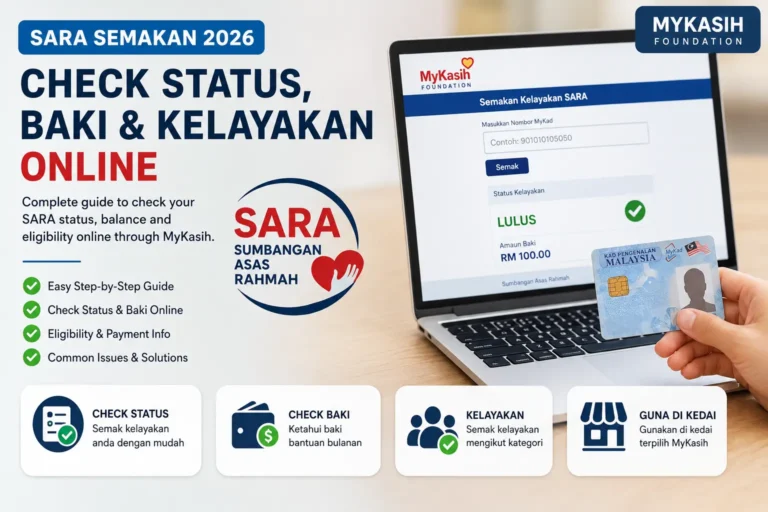
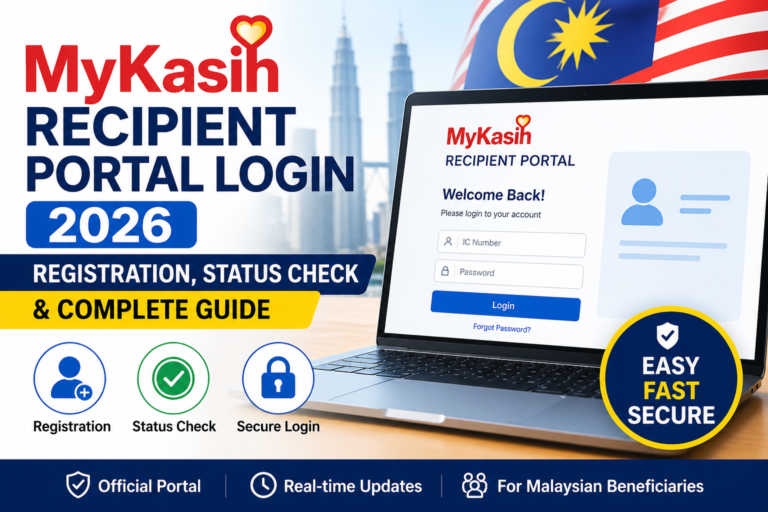
Method 1: Check Through MyKasih Recipient Portal
You can check eligibility using the official MyKasih portal.
Steps:
- Visit the MyKasih Recipient Portal
- Enter your MyKad number
- Complete the verification (if required)
- Check your status and balance details
If your status shows approved, you can redeem RM100.
Method 2: SMS or Program Confirmation
Sometimes recipients also get:
- SMS message confirmation
- Official letter or announcement
- STR approval message
How to Redeem RM100 MyKad (Step-by-Step Guide)
Now let’s come to the main question: how to redeem RM100 MyKad in Malaysia.
The process is simple, but you must follow it correctly.
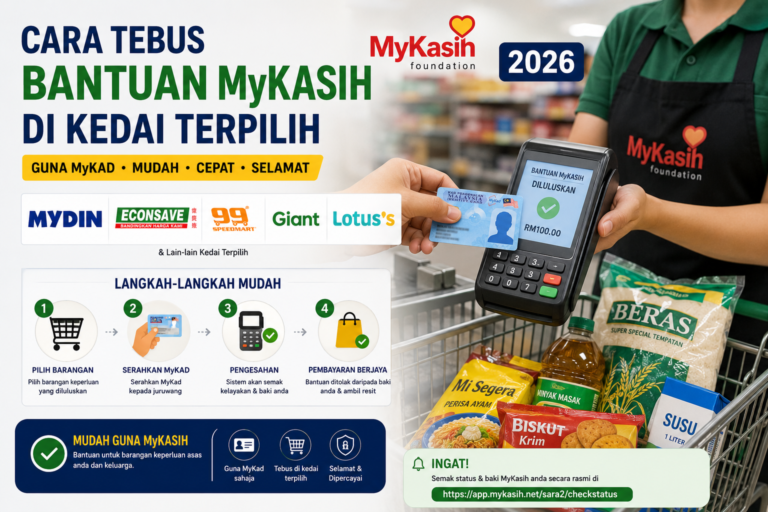
Step 1: Visit an Approved MyKasih Store
You cannot use the RM100 credit in every shop. It works only in selected supermarkets and partner stores.
Examples of popular approved stores:
- Mydin
- Lotus’s
- Giant
- Econsave
- 99 Speedmart (in some areas)
- Selected local partner stores
💡 Tip: Always ask the cashier if the store supports MyKasih MyKad payment.
Step 2: Choose Eligible Items Only
The RM100 MyKad credit is meant for essential products. It will not work for luxury or restricted items.
Usually allowed items include:
✅ Rice
✅ Flour
✅ Cooking oil
✅ Eggs
✅ Milk
✅ Bread
✅ Vegetables
✅ Basic groceries
✅ Baby products (some cases)
✅ School essentials (some cases)
Not allowed items:
❌ Cigarettes
❌ Alcohol
❌ Mobile reload
❌ Electronics
❌ Cosmetics (sometimes restricted)
❌ Non-essential items
Step 3: Go to the Counter and Tell Cashier
When you reach the payment counter, tell the cashier:
“Saya nak guna bantuan MyKasih guna MyKad.”
(I want to use MyKasih assistance using MyKad.)
Step 4: Insert Your MyKad in the Card Reader
The cashier will ask you to insert your MyKad into the terminal machine.
After inserting:
- The system will detect your MyKasih balance
- The eligible items will be deducted from your RM100 credit
Step 5: Enter PIN (If Required)
In some cases, you may need to enter a PIN for verification.
After approval, your payment will be completed successfully.
Step 6: Collect Receipt and Check Balance
After payment, you will receive a receipt. The receipt may show:
- Amount deducted
- Remaining balance
Always keep the receipt as proof.
Can You Withdraw RM100 Cash from MyKad?
No. The RM100 MyKad assistance is not cash withdrawable.
You cannot:
- Withdraw from ATM
- Transfer to bank account
- Send to another person
It is only for purchasing essential items at approved stores.
RM100 MyKad Redemption Rules You Must Know
Here are some important rules:
- You can only spend the amount on approved items.
- Balance may expire if not used within the month (depends on program policy).
- You can redeem multiple times until RM100 is finished.
- The system automatically blocks non-approved products.
How to Check RM100 MyKad Balance?
Many users ask how to check remaining balance.
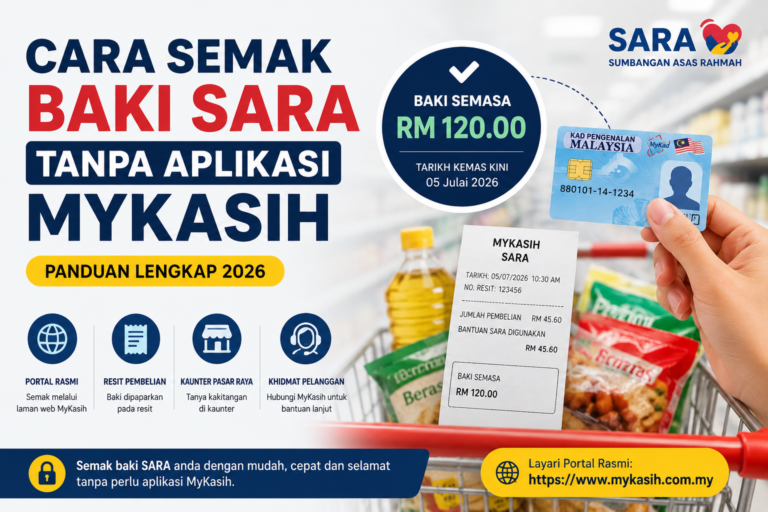
Option 1: Check on Receipt
After every purchase, your receipt may show the remaining balance.
Option 2: Ask Cashier to Check
At the store, cashier can check your MyKad balance.
Option 3: MyKasih Portal Balance Check
You can check through the recipient portal by entering your MyKad number.
List of Common Problems and Solutions (RM100 MyKad Not Working)
Many people face issues while redeeming RM100 using MyKad. Here are the most common problems and their solutions.
Problem 1: MyKad RM100 Balance Not Showing
Reason:
- Not approved yet
- System not updated
- Wrong program status
Solution:
- Wait 24 to 48 hours
- Recheck on MyKasih portal
- Confirm eligibility through STR status
Problem 2: MyKad Not Working at Store
Reason:
- Store is not MyKasih partner
- Card reader not supported
Solution:
- Visit another approved supermarket
- Ask staff before shopping
Problem 3: Transaction Declined
Reason:
- You selected non-approved items
- Insufficient balance
Solution:
- Remove restricted items
- Try again with basic groceries
Problem 4: MyKad Reader Error
Reason:
- Machine issue
- Card chip dirty or damaged
Solution:
- Clean MyKad chip softly
- Ask cashier to try another terminal
- Use another branch store
Problem 5: MyKad Lost or Damaged
Solution:
- Visit JPN (National Registration Department)
- Apply for replacement MyKad
- After replacement, program may take time to link again
Tips to Redeem RM100 MyKad Easily
To avoid problems, follow these tips:
- Always shop at approved partner stores
- Purchase only essential items
- Keep your receipts
- Check balance before shopping
- If payment fails, try another cashier machine
RM100 MyKad Eligible Items Table (Example)
| Category | Examples |
|---|---|
| Food Staples | Rice, flour, noodles |
| Cooking Essentials | Cooking oil, salt, sugar |
| Dairy | Milk, cheese, yogurt |
| Protein | Eggs, chicken (selected), fish |
| Baby Needs | Baby milk, diapers |
| Household Basics | Soap, detergent (limited) |
💡 Note: Eligibility of items depends on the store and MyKasih system.
Frequently Asked Questions (FAQs)
Q1: How to redeem RM100 MyKad in Malaysia?
You can redeem RM100 by shopping at approved MyKasih partner stores and paying through your MyKad at the cashier counter.
Q2: Can I use RM100 MyKad at any supermarket?
No. You can only use it at MyKasih registered partner stores.
Q3: Can I use RM100 MyKad for online shopping?
Mostly no. The MyKasih RM100 assistance is usually for in-store purchases only.
Q4: What should I do if MyKad RM100 is not credited?
Check your eligibility through MyKasih portal, STR status, or wait for system updates.
Q5: Can I redeem RM100 multiple times?
Yes. You can use it multiple times until the full RM100 balance is finished.
Q6: Does RM100 MyKad expire?
Some assistance balances are monthly-based. If you do not use it within the month, it may expire. Always confirm on the official portal.
Q7: How to check MyKasih RM100 balance?
You can check using the MyKasih recipient portal, by asking the cashier, or checking your receipt after purchase.
Final Words
Now you know how to redeem RM100 MyKad under the MyKasih Program. The method is simple: check eligibility, go to a partner store, buy approved items and pay using MyKad.
If you face any issues, always verify your status on the MyKasih portal and try another approved supermarket.Now you know how to redeem RM100 MyKad easily through MyKasih approved stores in Malaysia.